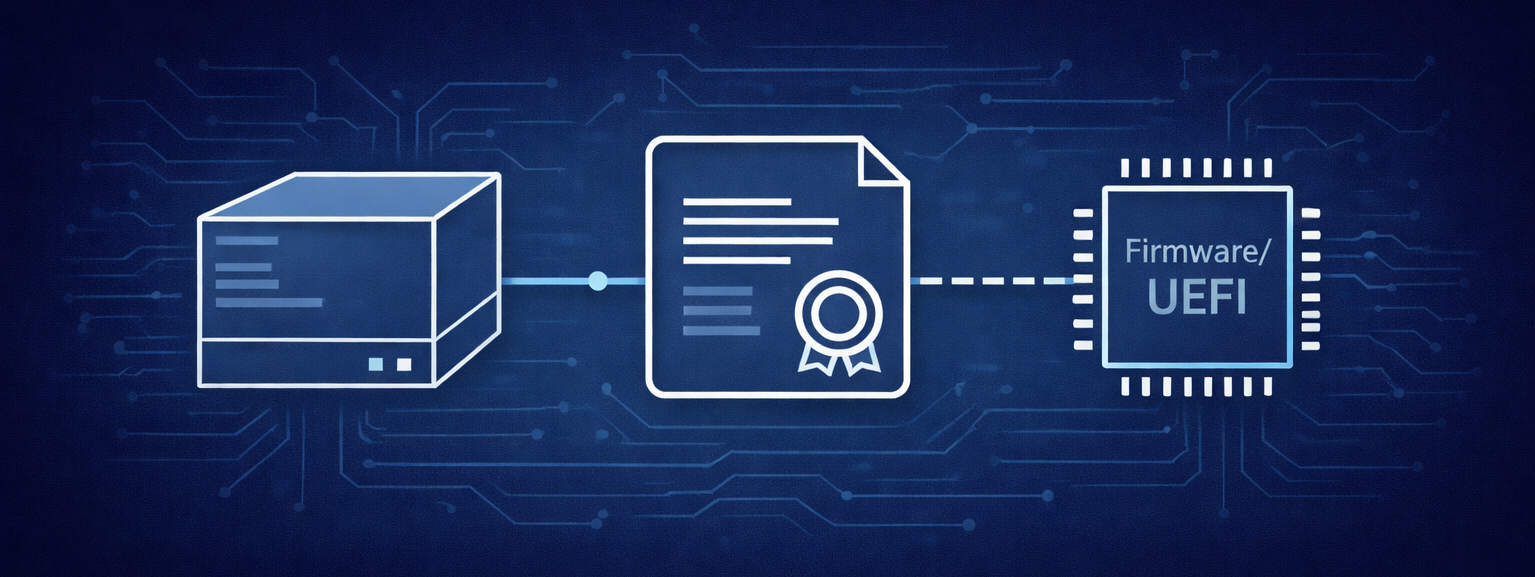
Secure Boot certificate expiration starting in June 2026 may disrupt system boot and security updates if not anticipated. Verifying firmware updates and certificate presence is essential to prevent operational issues.
Secure boot certificate expiration: a critical issue to anticipate now
The expiration of Microsoft Secure Boot certificates in June 2026 introduces a tangible risk to the operational continuity of many systems.
Microsoft has recently highlighted an issue that could easily go unnoticed, especially in the context of post-Windows 11 migrations where a significant portion of hardware fleets has already been renewed or decommissioned. However, this topic directly affects system boot processes: the progressive expiration of Secure Boot certificates starting in June 2026.
Official source: Microsoft Tech Community
In practical terms, without proper anticipation, this expiration can lead to critical situations: some physical or virtual machines may no longer recognize components signed with new certificates, encounter limitations when applying Secure Boot-related updates or in some cases fail to boot entirely. Over time, this may also impact the delivery of certain critical Windows Boot Manager updates.
Why is this a critical issue?
This issue affects supported versions of Windows 10, Windows 11 and Windows Server, as well as certain Linux environments using Secure Boot and shim. All of these platforms can be impacted if firmware certificates are not up to date. The dependency on certificates becomes critical as soon as Secure Boot is enabled.
Firmware update verification
➡️ Before taking any action, it is essential to verify the availability of firmware (BIOS/UEFI) updates. Before Windows or Linux can apply new Secure Boot certificates, the system firmware must be able to accept them. Many vendors have already released updates for recent hardware. Without these updates, new certificates may not be recognized.
Major vendors have published updates and specific guidance for devices released between 2018 and 2025:
- Dell: Microsoft 2011 Secure Boot Certificate Expiration (dell.com)
- HP: Secure Boot Certificate Updates (support.hp.com)
- Lenovo: Secure Boot Certificate Expiration (support.lenovo.com)
- Microsoft Surface: Surface Secure Boot Certificates (support.microsoft.com)
- Asus: Secure Boot FAQ (asus.com)
💡 Practical recommendation: always update system firmware before enabling or modifying Secure Boot settings. This helps prevent new certificates from being rejected, which could render the system unbootable.
Verification on Windows 🔍
On Windows, you can check whether the new "Windows UEFI CA 2023" certificates are present in the UEFI firmware using PowerShell:
([System.Text.Encoding]::ASCII.GetString((Get-SecureBootUEFI dbdefault).bytes) -match 'Windows UEFI CA 2023')
Or by using db instead of dbdefault, which queries the active Secure Boot database and makes it possible to verify whether the system is already using the new certificates:
([System.Text.Encoding]::ASCII.GetString((Get-SecureBootUEFI db).bytes) -match 'Windows UEFI CA 2023')
Verification on Linux 🐧
On the Linux side (Ubuntu, Debian, RHEL and others), a quick check can be performed with:
mokutil --db | grep -i "Microsoft UEFI CA 2023"
mokutil --sb-state
👉 This allows you to verify whether the 2023 certificate is present and whether Secure Boot is enabled.
➡️ If Secure Boot is enabled, certificate dependency becomes critical. Distributions using "shim" (signed by Microsoft) are also concerned.
You can also use this small script if you are technically comfortable with it, to combine Secure Boot and certificate verification:
if mokutil --sb-state | grep -q enabled; then
  mokutil --db | grep -q "Windows UEFI CA 2023" && echo "OK" || echo "MISSING CERT"
else
  echo "Secure Boot OFF"
fi
What are the risks?
⚠️ Warning: enabling Secure Boot on a machine whose firmware and certificates are not up to date can completely prevent the system from booting. Without proper monitoring and regular firmware updates, some Windows or Linux systems may stop booting or may no longer receive certain critical fixes.
➡️ Not all environments are equally exposed to this change. Isolated infrastructures or tightly controlled environments, especially those without automatic updates, require particular attention.
At Sigilence Technologies, we anticipate this kind of issue by identifying the affected systems, analysing Secure Boot and certificate dependencies and putting the necessary actions in place ahead of critical deadlines. This helps prevent unexpected production disruptions.
👉 If you have any doubts about your device fleet, now is the right time to assess the situation and secure your systems before June 2026.